Give your business a home
Bring your story, logo, collection, and contact details together on a public business page. Share one link instead of sending a new set of photos to every customer.
Show your collection, talk with customers, and manage order requests in one place. Built for furniture brands, stores, independent studios, and vintage sellers across the US.
Free during early release · No payment details neededAlready have an account? Sign in
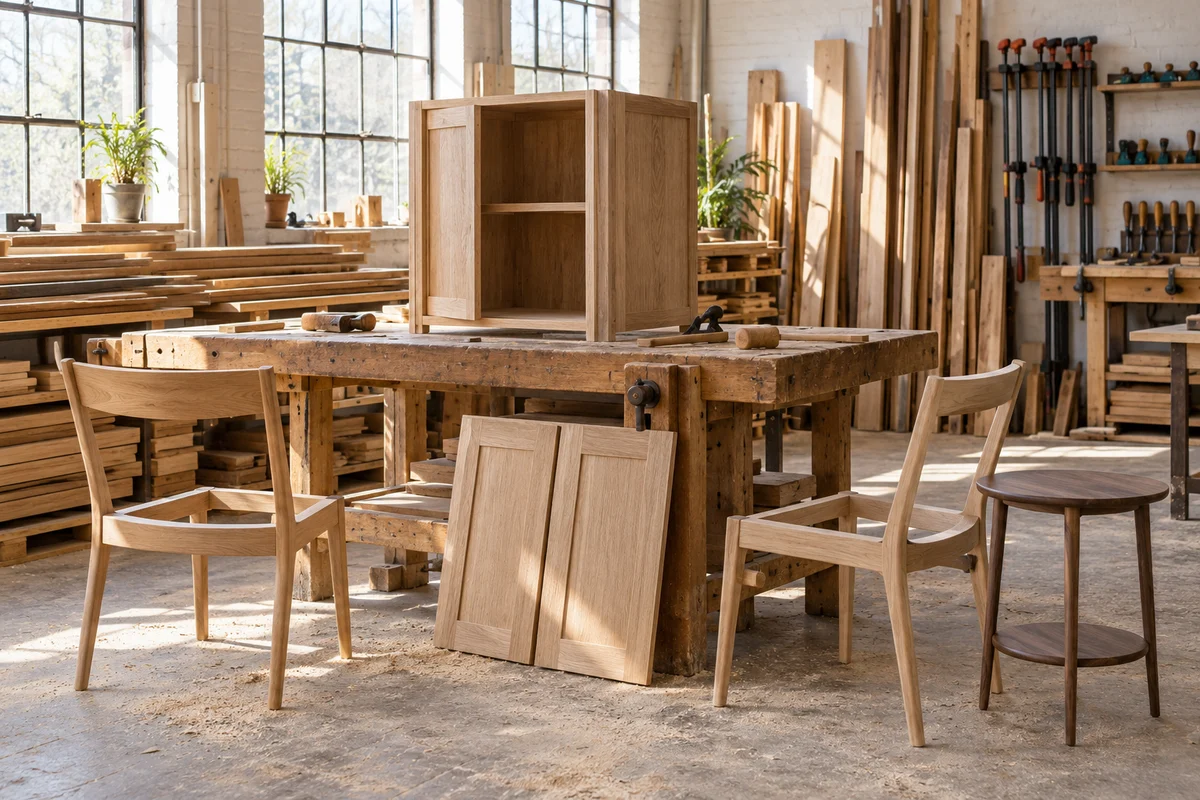
Give customers the details they need to take the next step, with a single place for you to keep your collection and conversations up to date.
Bring your story, logo, collection, and contact details together on a public business page. Share one link instead of sending a new set of photos to every customer.
Show up to five photos and one video per listing. Add prices, dimensions, materials, condition, and lead times so customers can picture the piece in their space.
Published listings appear in the furniture catalog. Categories, search, and product filters help shoppers explore your collection; the seller directory helps them find your business.
Registered customers can message you about a piece or send an order request. Reply in your dashboard, agree on the details, and mark requests as confirmed, completed, or cancelled.
Track business-page and product views, new conversations, and order requests. See your most-viewed pieces and follow the requests you have confirmed over the last 7, 30, or 90 days.
Add your website, social profiles, phone, and Google Maps links. Show multiple store locations and opening hours, or set up an online-only business with its delivery area.
You decide pricing, availability, customization, payment, and delivery. Furnmarket gives you the catalog and conversation tools to work out those details directly with your customer.
Your profile fits the way you operate: online, in person, or both. Start with one collection and add the business information your customers need.
See a complete exampleShow made-to-order furniture and completed projects. Explain your materials, customization options, and lead times before starting a conversation.
Present collections with consistent product details and a clear business story. Link customers to your website for more information.
Bring your range and store addresses into one business profile. Help customers find a nearby showroom or understand where you deliver.
Give individual pieces the detail they deserve: condition, measurements, provenance, and restoration notes, alongside photos and pricing.
Create a seller account, then add your business details, logo, cover, contacts, and locations. Online-only sellers can describe where they ship without listing a showroom.
Add a few pieces with photos, prices, and useful details. Choose ready-to-buy, made-to-order, or portfolio listings. Have a spreadsheet? Import up to 200 rows from a CSV file.
Review your listings and publish your business page. Share the link in your Instagram bio, emails, or business cards, then manage customer conversations in your dashboard.
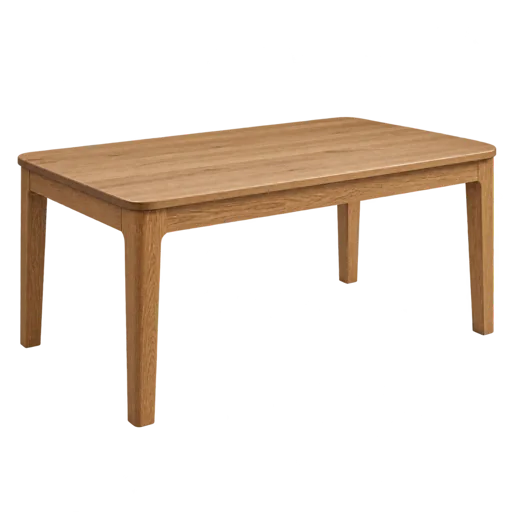 Tables
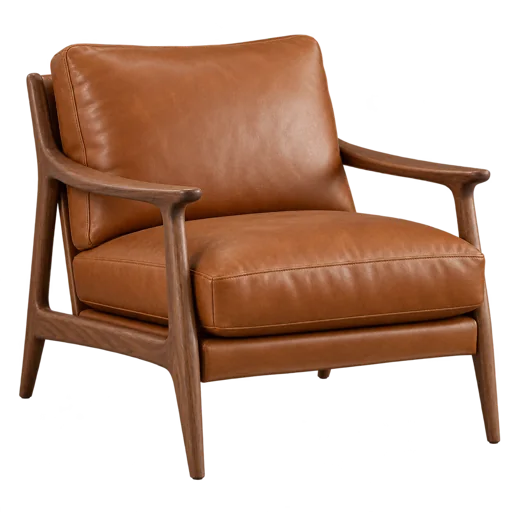 Chairs
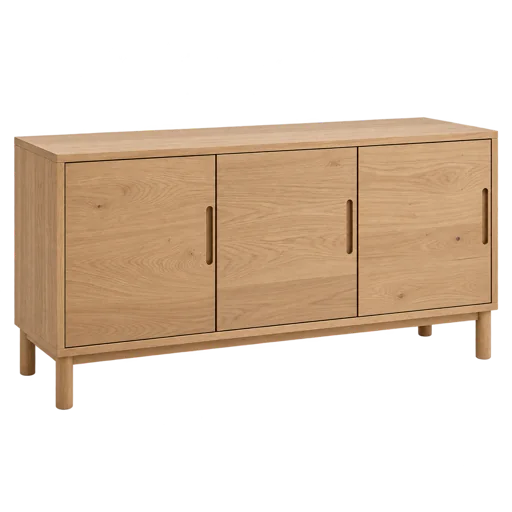 Cabinets
Your business name and story, a logo or cover photo, contact details, and photos of your first pieces. Add measurements, prices, materials, and delivery information to make each listing useful.
The core seller tools are free during our early release. No payment details are needed to create your account.
We are preparing paid imports so you can choose a limited batch of existing products, review the details, and save them as drafts.
These plans are not available to activate yet. For now, add pieces manually or use a CSV spreadsheet.
A few practical answers about your page, your customers, and how Furnmarket works.
US-based furniture manufacturers, brands, stores, handmade studios, vintage sellers, and antique dealers. You can be a team of one or a business with locations in several states. Every seller gets the same core profile and dashboard tools.
Neither is required. Your Furnmarket page gives you a public catalog to share. Online-only businesses can specify their delivery coverage; businesses with showrooms can list addresses, hours, phone numbers, and Google Maps links.
Yes. Add your existing website and social links to your public page, and use your Furnmarket catalog link wherever you already talk to customers. Keep your main store while giving people another way to explore your furniture.
A customer creates an account or signs in before messaging you. Conversations and order requests appear in your seller inbox. You discuss availability, customization, delivery, and the final price, then confirm the request when you have agreed on the terms.
No. You arrange payment, fulfillment, delivery, and returns directly with the customer. A confirmed request in your dashboard records your agreement; it is not a payment or a shipping booking.
It shows business-page and product views, new conversations, and requested, confirmed, and completed orders. Views count only visitors who allow analytics and exclude your own visits, so they do not represent every visitor. Confirmed orders do not mean paid orders.
Add products manually or import a CSV spreadsheet with up to 200 rows per upload. New imports are saved as drafts for review. Website and Instagram imports are being prepared for a future paid plan and are not available to activate yet.
An optional photo-draft tool is available in beta. It suggests a title, category, description, and visible details from a product photo. Review the suggestions and add the price, exact dimensions, materials, and availability yourself before publishing.
Share your page with existing customers and link to it from your social profiles, emails, and business cards. Clear photos, complete details, and timely replies help people decide whether to contact you. Furnmarket is in its early release, and its audience is still growing.
No. Business location and manufacturing origin are different. Describe each product’s origin, materials, condition, and availability accurately.
Create your business page, add a few pieces, and share your collection.